The Best "Remote Work" Furniture for Long-Term Spinal Health
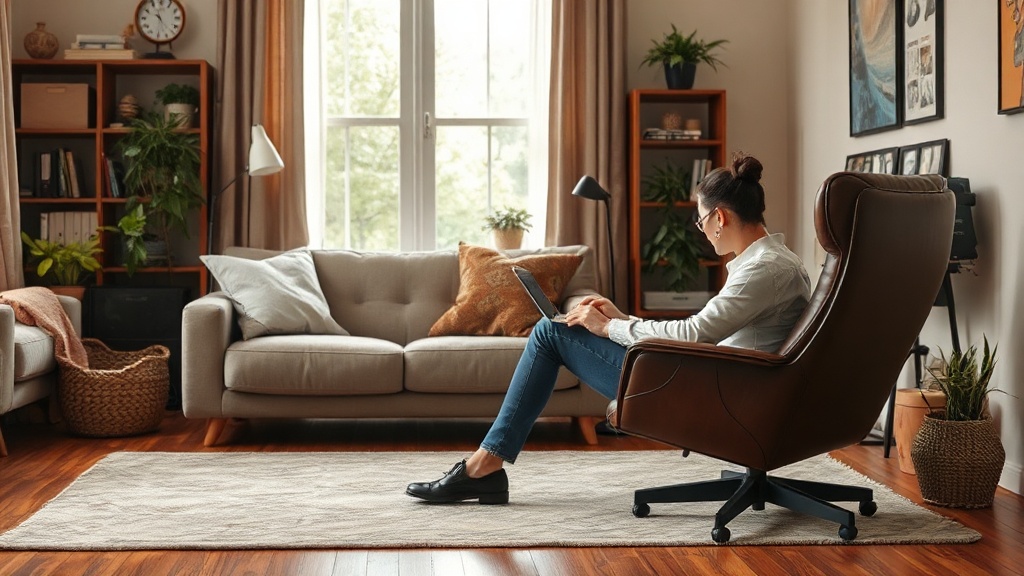
With millions of Americans now calling their homes their primary office, protecting your spine during those endless Zoom calls and deadlines isn't just smart—it's essential. Poor posture from subpar f...
The Lifetimes America editorial team curates, fact-checks, and updates guides on personal finance, property, health, immigration, legal, business, and lifestyle topics relevant to Lifetimes America readers. Articles are produced with AI assistance and reviewed by the editorial team before publication.
With millions of Americans now calling their homes their primary office, protecting your spine during those endless Zoom calls and deadlines isn't just smart—it's essential. Poor posture from subpar furniture contributes to chronic back pain affecting over 65 million U.S. adults, but the right remote work setup can prevent it while boosting productivity.[1]
Whether you're grinding through an 8-hour day in your living room or juggling hybrid schedules, investing in **remote work furniture** designed for **long-term spinal health** pays off. In 2026, ergonomic innovations like adjustable stands, dynamic chairs, and sit-stand desks make it easier than ever to stay pain-free. This guide breaks down the best options, backed by expert reviews and health insights tailored for U.S. remote workers.
Why Spinal Health Matters for Remote Workers in 2026
Remote work exploded in the U.S. post-pandemic, with the Bureau of Labor Statistics reporting over 20 million Americans working from home at least part-time in 2025.[2] But long hours hunched over laptops lead to "tech neck" and lower back strain, conditions linked to reduced focus and higher healthcare costs.
OSHA guidelines emphasize ergonomic workstations to prevent musculoskeletal disorders (MSDs), which account for 30% of workplace injuries.[3] For home offices, this means furniture that supports neutral spine alignment—ears over shoulders, hips slightly higher than knees, and feet flat on the floor.
Key Ergonomic Principles for Your Setup
- Adjustability: Customize height, tilt, and lumbar support to fit your body.
- Movement: Alternate sitting, standing, and perching to avoid static postures.
- Support: Distribute weight evenly to reduce pressure on discs and joints.
- Breathability: Mesh and ventilated designs prevent overheating during marathon sessions.
Top Standing Desks for Dynamic Spinal Support
Static sitting is the enemy of spinal health. Standing desks let you alternate postures, cutting back pain risk by up to 50% according to recent studies.[1] In 2026, look for electric models with memory presets for seamless sit-stand transitions.
Best Picks
- Humanscale Float Micro: Compact for small apartments, with smooth height adjustment ideal for urban remote workers. Pairs perfectly with laptops for micro-adjustments.[3]
- Orangebox Coppice Adjustable Focus Desk: Modular design supports individual tweaks, promoting active comfort without bulk.[3]
Pro Tip: Start with 20-minute standing intervals, building to 2-4 hours daily. Place your monitor at eye level to maintain a neutral neck curve.
Ergonomic Chairs That Prioritize Spinal Decompression
The right chair isn't just comfy—it's engineered to mimic your spine's natural S-curve. 2026 models feature adaptive lumbar support and dynamic recline for all-day use.
Best Office Chairs for Back Pain and Home Offices
| Chair Model | Key Spinal Benefits | Price Range (2026) | Best For |
|---|---|---|---|
| LiberNovo Omni[2] | OmniStretch feature for spinal reset; adjustable lumbar depth; optional footrest for decompression. | $800-$1,200 | Long-hour workers with chronic pain. |
| Herman Miller Aeron[2] | PostureFit SL for lumbar and sacral support; breathable Pellicle mesh. | $1,500-$2,000 | Premium all-day comfort. |
| Haworth Fern[2] | Wave Suspension system distributes weight evenly; flexible fronds reduce pressure points. | $900-$1,300 | Hybrid workers needing versatility. |
| Steelcase Karman[3] | Responsive micro-adjustments; lightweight for easy repositioning. | $1,000-$1,500 | Active, multi-posture use. |
| Meet&Co Style Ergonomic[4] | Integrated lumbar curve; breathable mesh for posture support. | $300-$500 | Budget-conscious starters. |
These chairs align with ADA accessibility standards, ensuring inclusive support for diverse body types common in U.S. homes.[5]
Laptop Stands: Elevate Your Posture Without a Full Desk Overhaul
Not ready for a standing desk? An adjustable laptop stand raises your screen to eye level, slashing neck strain by 60%.[1] Portable options suit hybrid schedules, folding flat for travel.
Must-Have Features in 2026 Stands
- Strong weight support for 15-17" laptops.
- Ventilated platforms to prevent overheating.
- Compatibility with external keyboards for wrist neutrality.
- Foldable for couch-to-desk versatility.
Pair with a wireless keyboard and mouse—your setup will rival any corporate office.
Active Seating: Wobble Stools and Perch Stools for Core Engagement
Wobble stools encourage subtle movement, firing up core muscles to stabilize your spine. They're a game-changer for lower back fatigue during extended sits.[1]
Benefits for Remote Pros
- Promotes blood flow and energy.
- Eases sit-stand shifts.
- Compact for apartments under 800 sq ft.
Integrate into routines: 30 minutes on a wobble stool mid-morning keeps you aligned without fatigue.
Building Your Ideal Remote Work Setup on a Budget
Start small: Laptop stand ($50-$150) + ergonomic chair ($300+) + external peripherals. Total under $800 for basics. Upgrade to a standing desk ($400-$1,000) as your 401(k) allows.
- Assess your space—measure desk depth (at least 24").
- Test adjustability: Can you hit 90-degree elbow angles?
- Check warranties—U.S. brands like Herman Miller offer 12-year coverage.
- Leverage tax perks: IRS Section 179 deducts home office furniture up to $1.16 million in 2026.
For rentals, sites like Apartments.com highlight ergonomic-friendly units with built-in desk nooks.
Common Mistakes to Avoid
- Skipping external input devices—laptop keyboards force hunching.
- Ignoring foot support—use a $20 footrest for stability.
- Overlooking lighting—LED desk lamps reduce eye strain linked to poor posture.
Next Steps to Protect Your Spine Today
Measure your current setup against ergonomic standards, then prioritize one upgrade—like a laptop stand for quick wins. Track pain levels weekly; you'll notice improvements in days. Your future self (and productivity) will thank you. Shop smart, stay aligned, and thrive in your home office.
Frequently Asked Questions
Sources & References
-
1
Best Laptop Stands for Remote Work in 2026 (Expert Ergonomic Guide) — uncagedergonomics.com
-
2
Best office chairs of 2026: top picks for your home office — www.tomsguide.com
-
3
Workplace furniture trends to watch in 2026 — www.ie-uk.com
-
4
10 Best Work-From-Home Chairs of 2026: Ultimate Guide to Comfort — www.migeof.com
-
5
5 Ergonomic Chair for Home Office 2026 - Vertu Living — www.vertuliving.com
-
6
IRS Topic no. 509, Business Use of Home — www.irs.gov